Ricky's Hungry Night
*
Ricky's Hungry Night *

About Ricky’s Hungry Night
Ricky’s Hungry Night is a mobile game made during a Casual game production class over the span of a semester. Where you play as a Racoon trying to avoid being spotted while looking for the nearest trash can.
Format
Team Size: 7
Time frame: 9 Weeks
Engine: Unity
Language: C#
My Roles & Tasks
Technical Designer
-
Procedural Level Creation
Dynamic Sound system
-
Basic Enemy Roaming with nav mesh
Enemy view cone and tracking
-
Implemented a save system to store player's score over different game sessions
-
Player and prop tweening
Enemy Animations
VFX
SFX System
Game Systems
Level generation
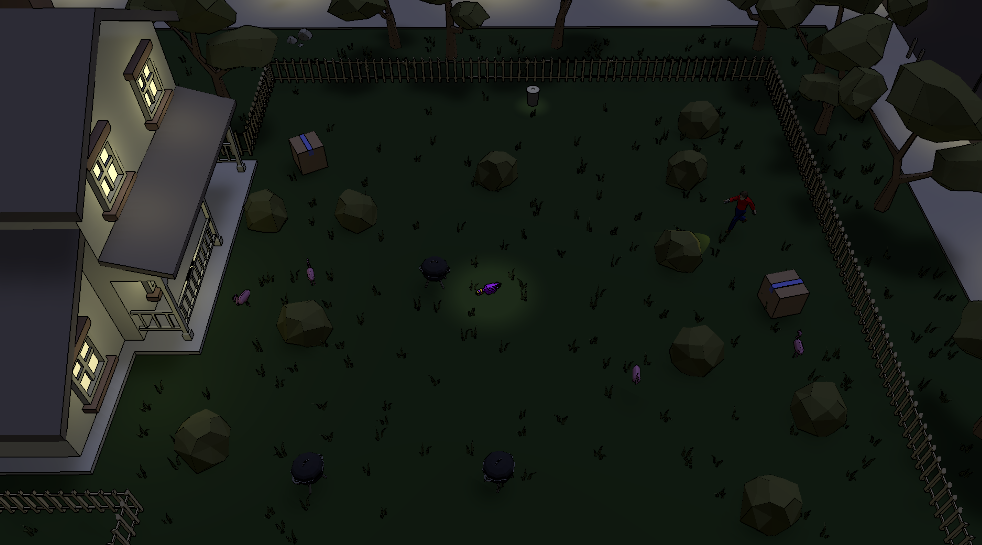
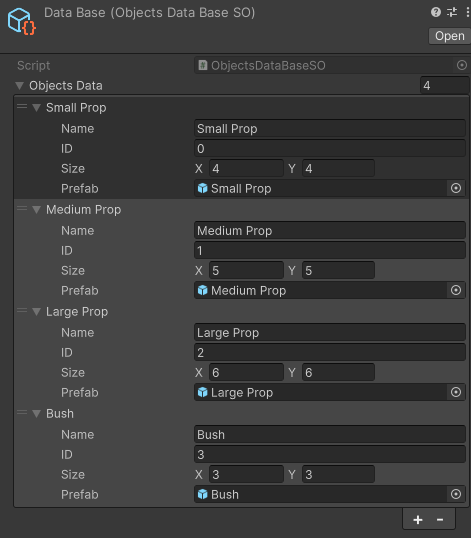
When designing the gameplay loop for Ricky’s, I initially considered making premade levels that the game would randomly select as the map each time a player clicked Play. But after testing it out, I thought it would be better if the levels were made randomly to allow for more replayability.
.
Level types
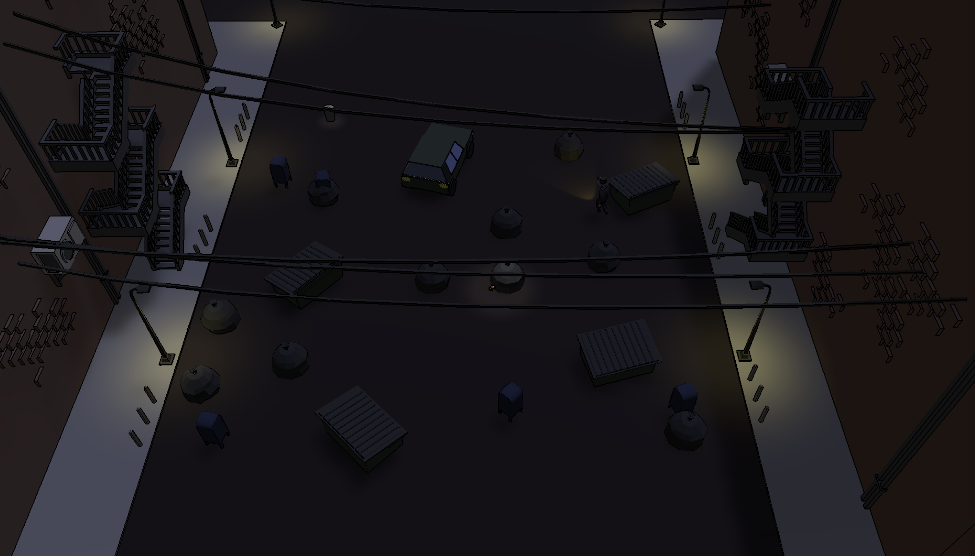
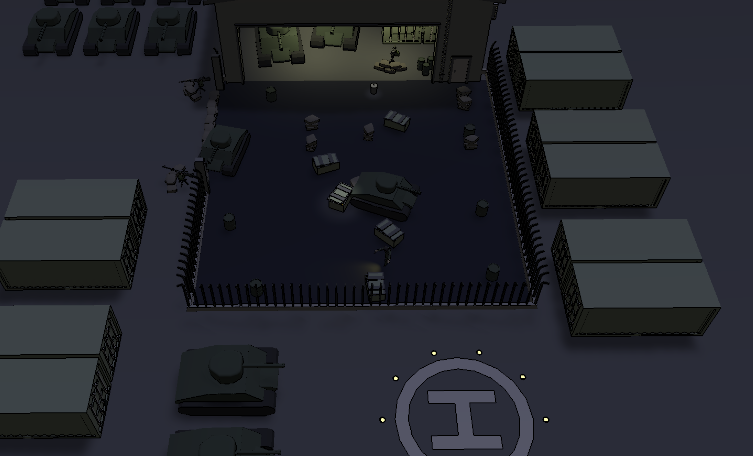
In Ricky’s, there are three themes: Suburbs, City, Army. These each come with their own respective changes, from the props changing models to fit with the new themes, the AI difficulty going up, and the amount of props spawned changing. These all change to give each theme its own feeling so they don't just seem like a new coat of paint over the same mechanics.
.
Enemy AI
Navigation
We wanted the Enemy to be pretty simple as it would have to be able to navigate around randomly placed objects with ease. While in its roaming mode it picks a position within the world bounds and simply walks towards it, if they get close enough they choose another one.
This also works in conjunction with an vision cone the AI uses that if the player makes contact with the AI runs to the last seen location of the player, which keeps updating unless the player breaks line of sight by entering a bush or getting far enough away.
Enemy vision cone settings. Adjusted by difficulty.
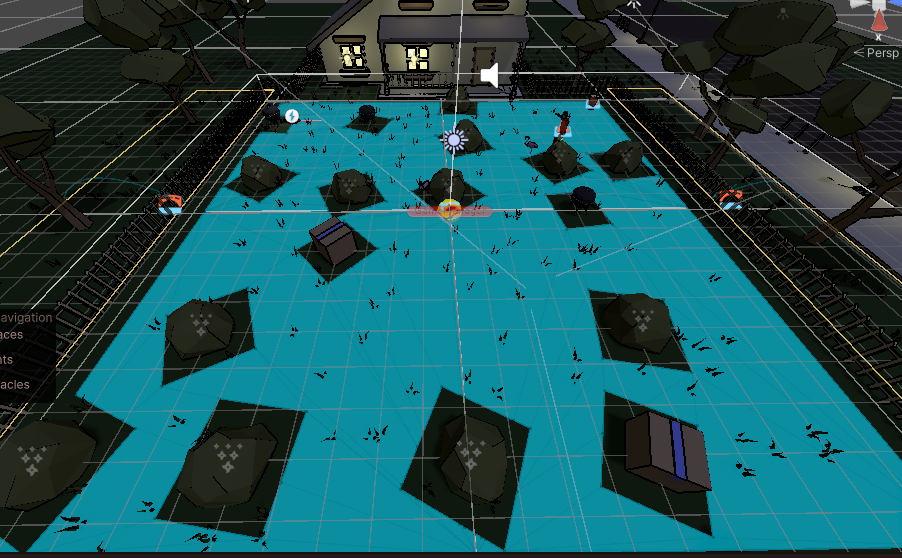
Enemy AI during gameplay.
Visuals
Player and prop effects
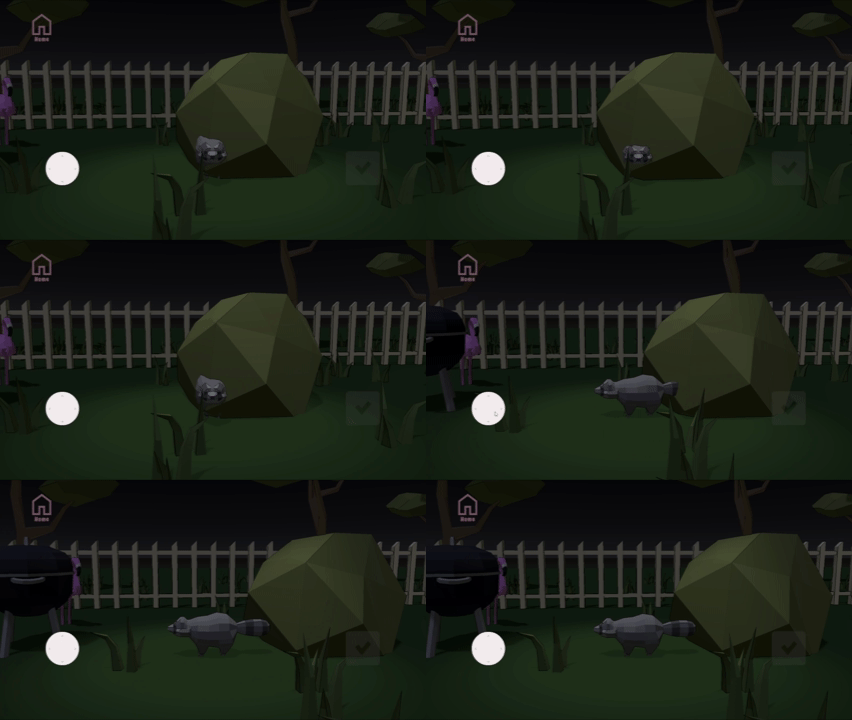
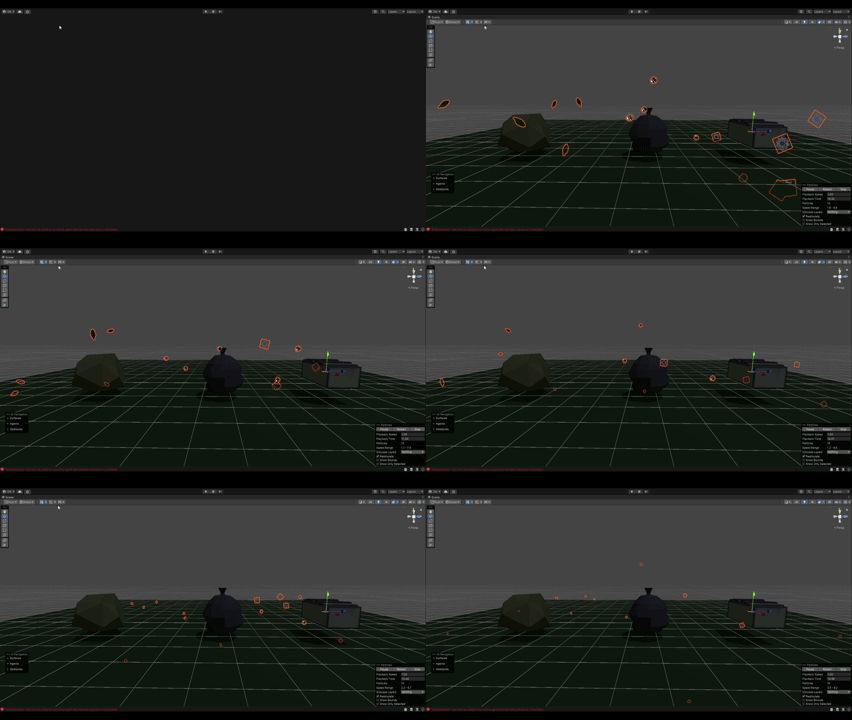
To make our resident racoon feel more alive, I created a tweening script to simulate his breathing, I also made it apply to any bushes he is currently hiding in.
Each bush also plays a VFX to show when the player has entered them to show that the player is safely hidden inside.