Revenant: Through the Veil
-
Revenant: Through the Veil -
About Revenant
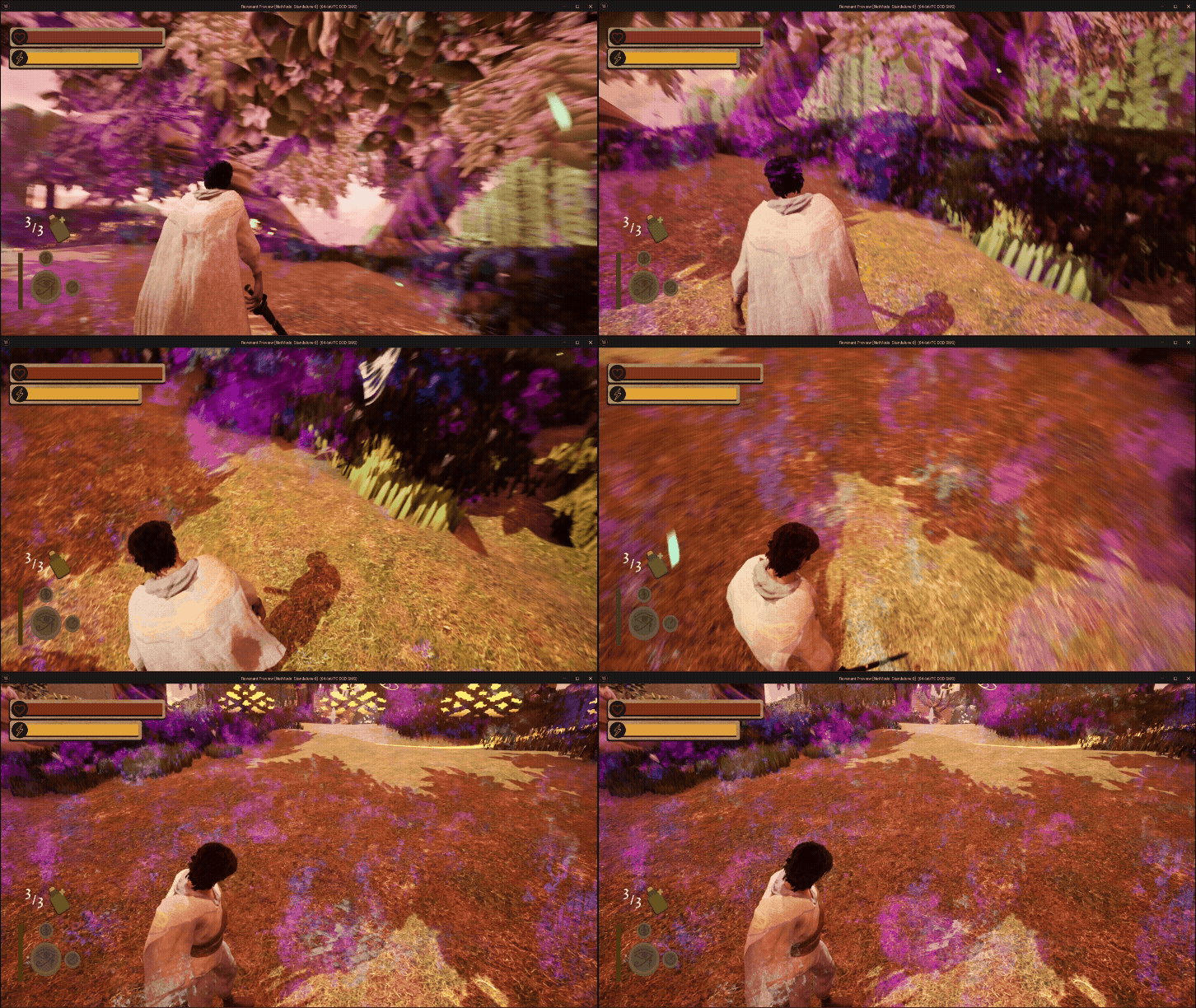
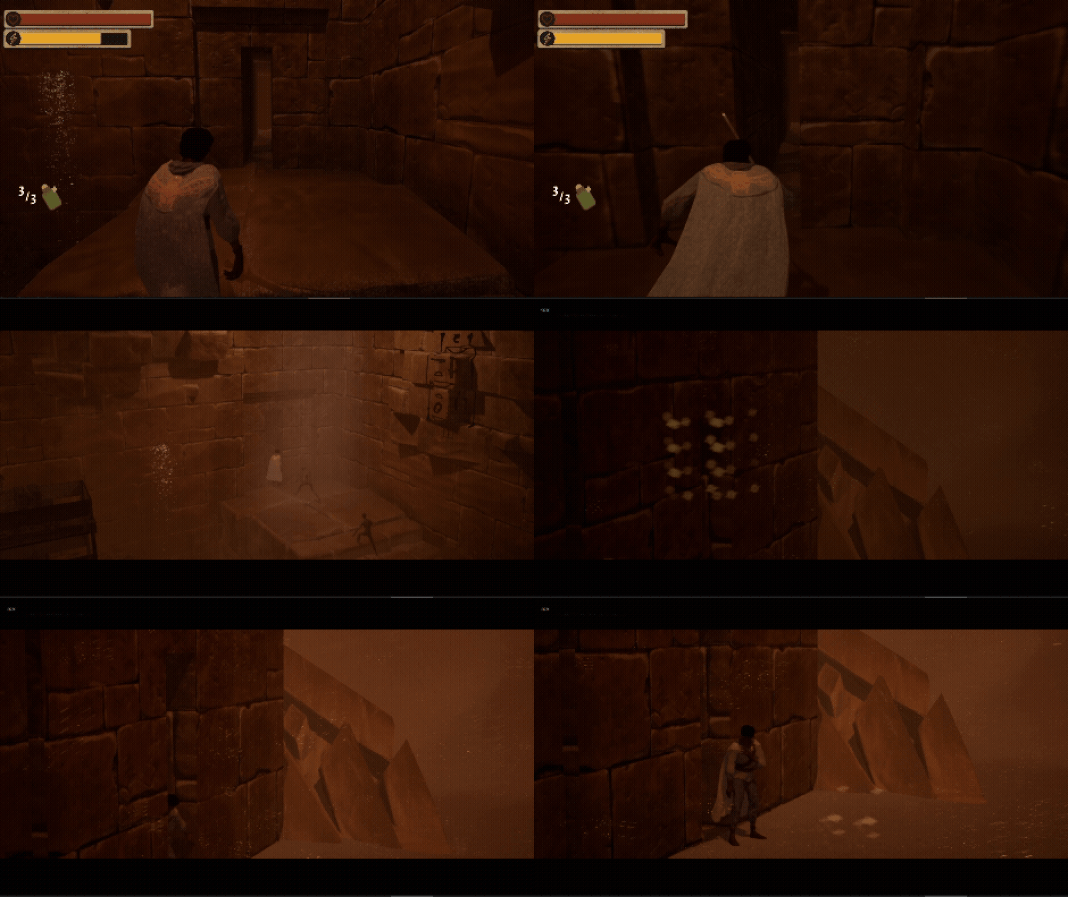
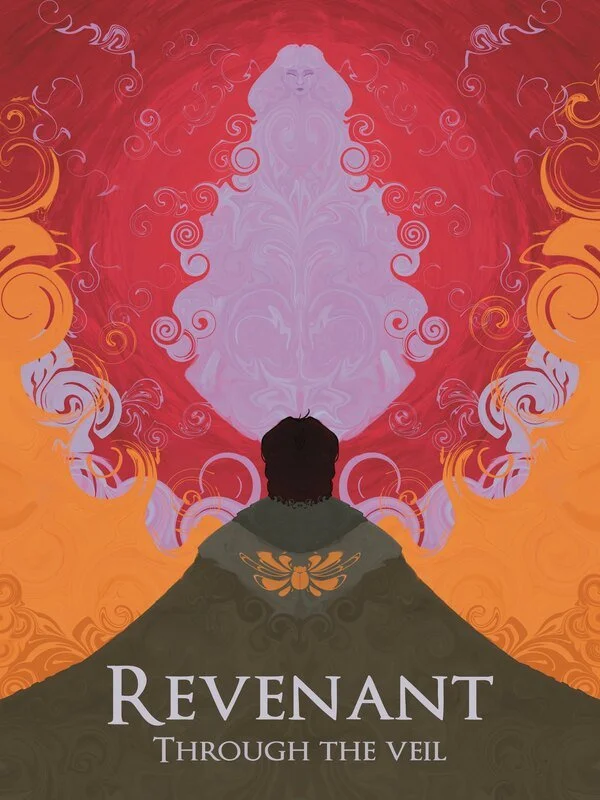
Revenant: Through the Veil is a third person action puzzle platformer. Which takes the player through a harrowing journey to revive a long lost lover. Gaining magical abilities bestowed by gods to weave through enemies and puzzles alike.
Format
Team Size: 12
Time frame: 2 Semesters
Engine: Unreal Engine 5
Language: Blueprints and C++
My Roles & Tasks
Technical Designer
-
Player Abilities
Enemy AI
Quest System
-
Puzzle mechanics and implementations
In-game Cutscenes
-
Dialogue/Voice over
BGM System
SFX implementations
-
Player Animation Implantation
Enemy procedural animation
-
Menu functionality
HUD implementation
-
Save/Load
Difficulty
Settings
Player Abilities
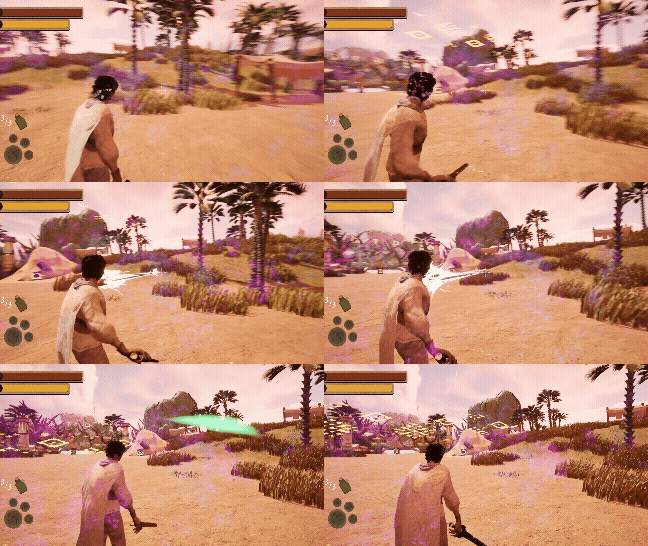
When designing the player's 4 abilities, I wanted them to seamlessly blend between combat and puzzle usage. Giving them more than just one use and allowing the player to choose how they engage with the combat and the puzzles.
Eye of Ra (Laser Beam)
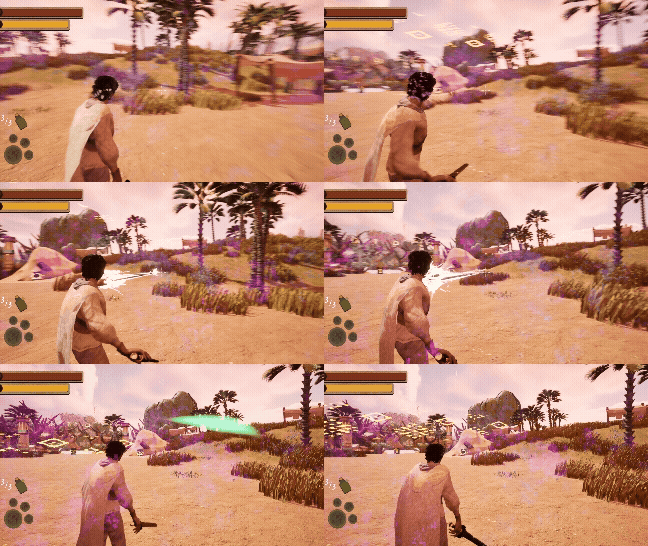
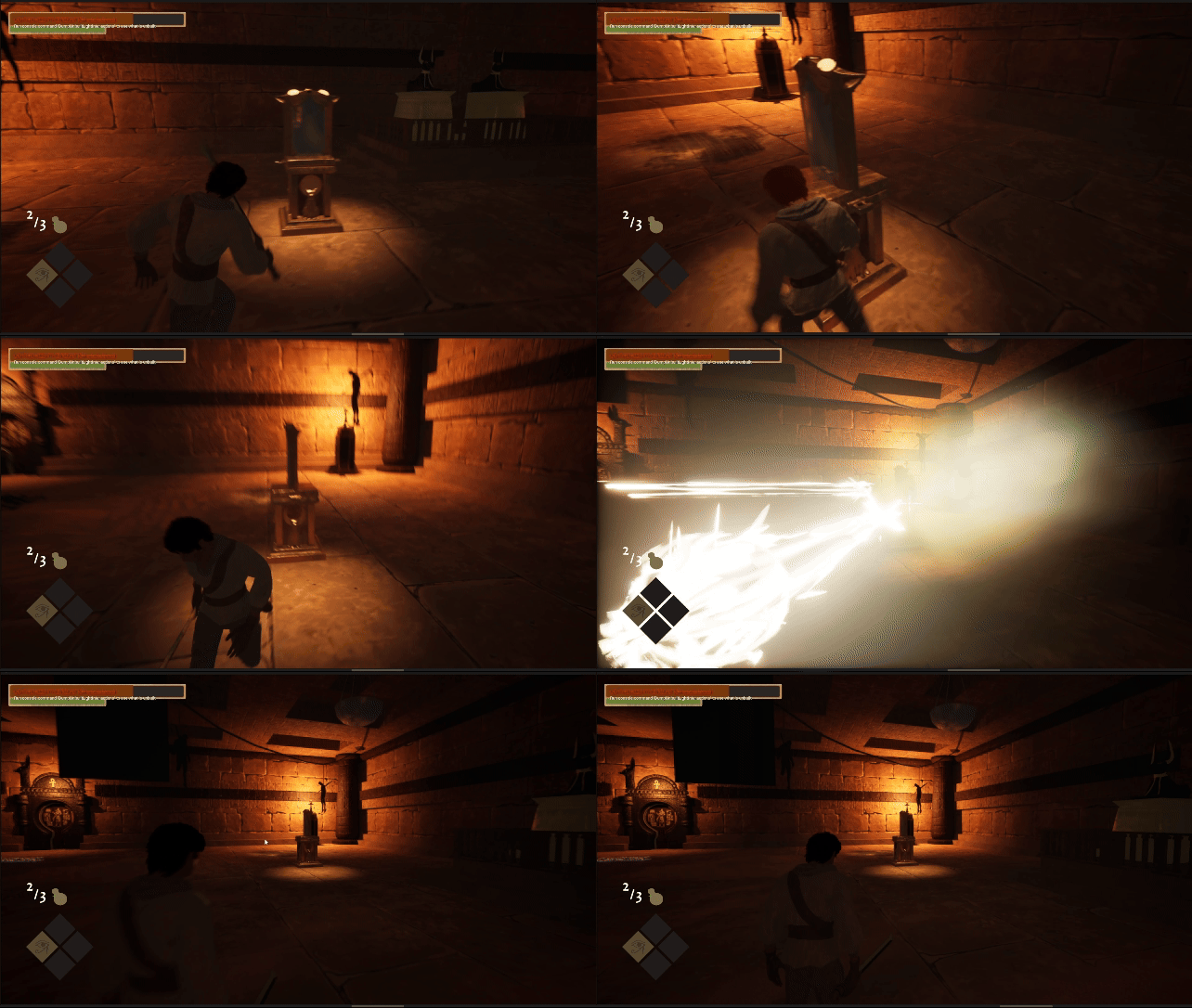
The Eye of Ra serves as the player's main damage tool aside from their sword. Great for dealing with short range foes from a distance. Given to the player first as it's the most simple to use, allowing players to ease into the gameplay loop. Its puzzle use is also a very simple one using reflection puzzles that can be found in other puzzle games.
Shock-wave
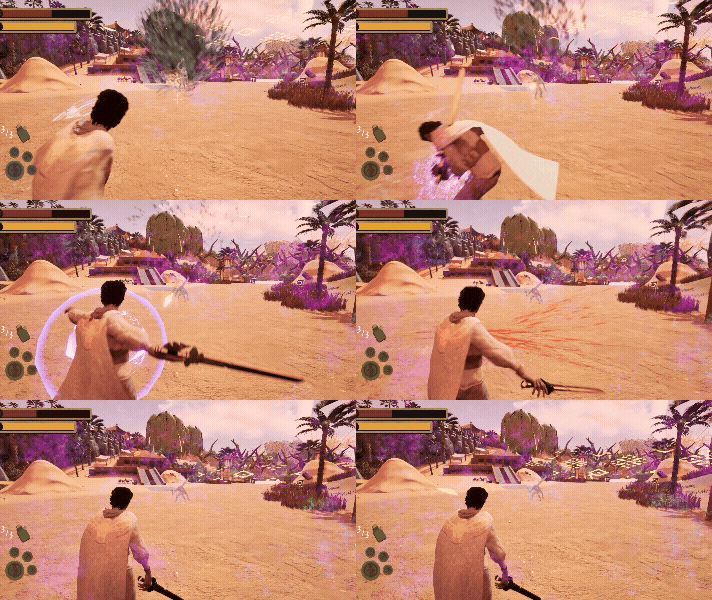
The shock-wave ability serves as the player's AOE (Area of Effect) damage tool. Allowing the player to deal serviceable damage in a sphere around them, best used when surrounded by a ton of enemies.
Scarab of Thoth (Time Stop Beam)

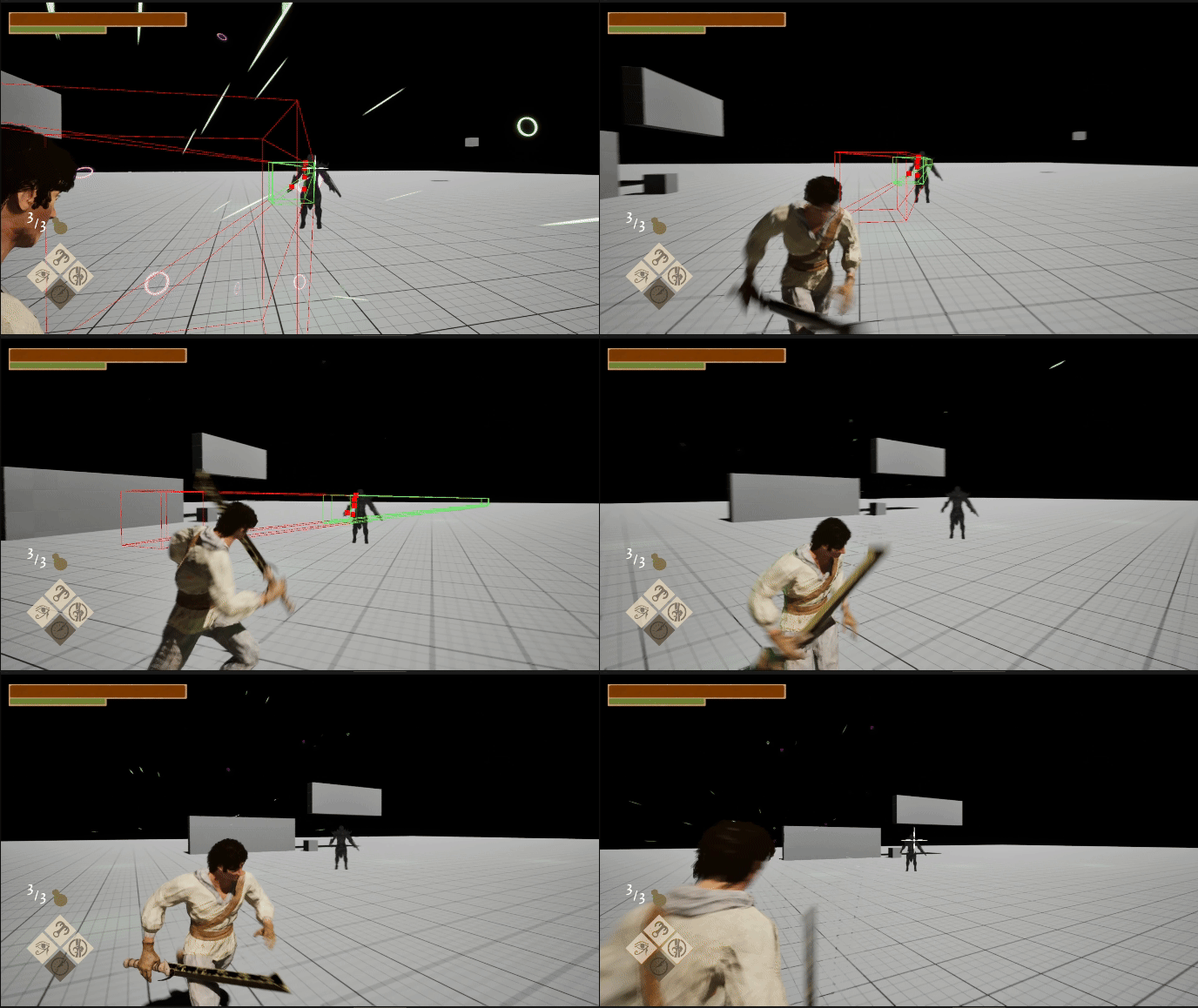
The Scarab of Thoth serves as the player's main crowd control option. Great for freezing ranged enemies in place to allow the player to close the distance. Using a similar hitbox to that of the Eye of Ra allows players to get the hang of aiming and using this ability much faster. Its puzzle use can be found in the many platforming sections of the game. Allowing the player to freeze moving platforms at their whim.
Isis’s String (Grapple Hook)
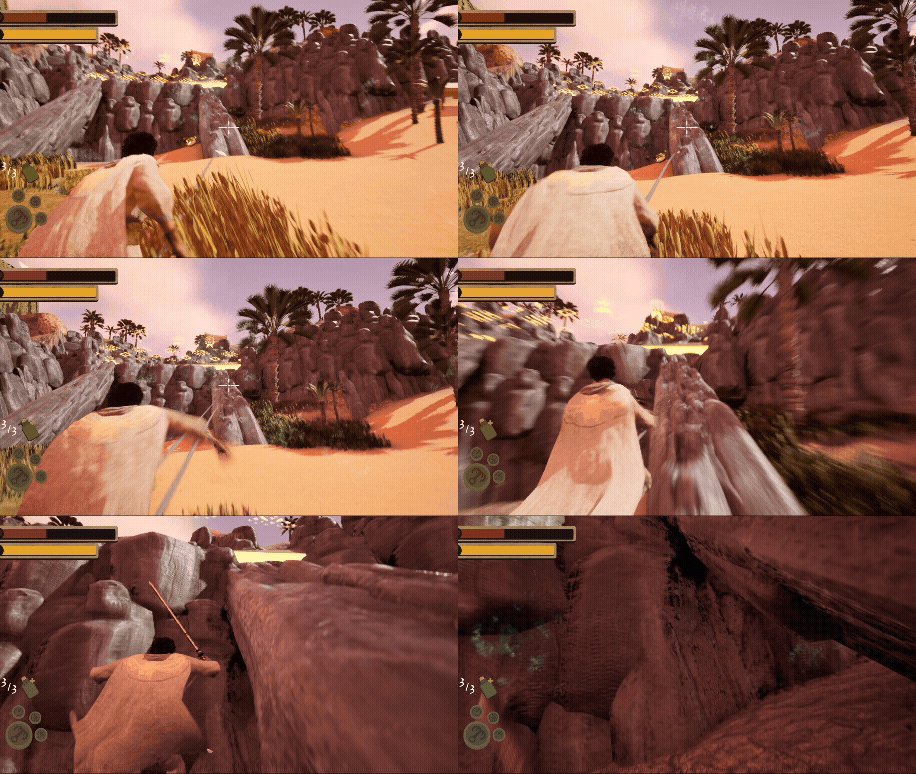
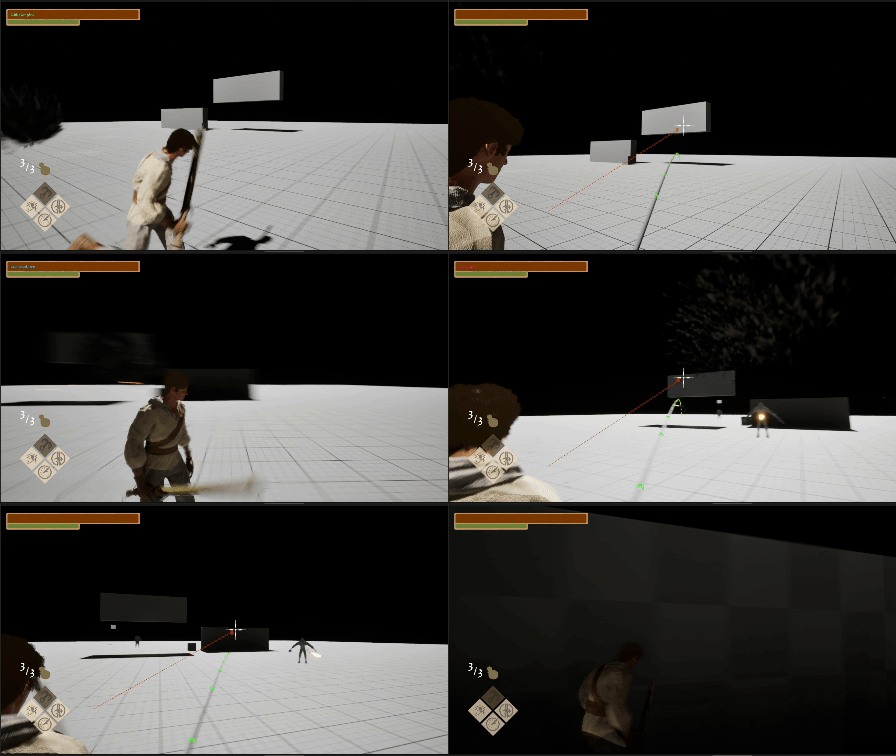
Isis’s String serves as the player's main mobility option. The most versatile tool is given to the player, as it can be used to gap close, escape, or just traverse terrain. As the game's last ability, its power to warp the game is much higher than the rest, as I wanted the player to feel powerful as they swing around the last level.
Puzzle Systems
When designing the puzzle mechanics for all four levels, I wanted to make sure each level's theme and ability fit neatly with the puzzles. Within limits, each puzzle should have a tiny learning curve, whether that be mechanical skill or problem solving.
Reflection puzzles
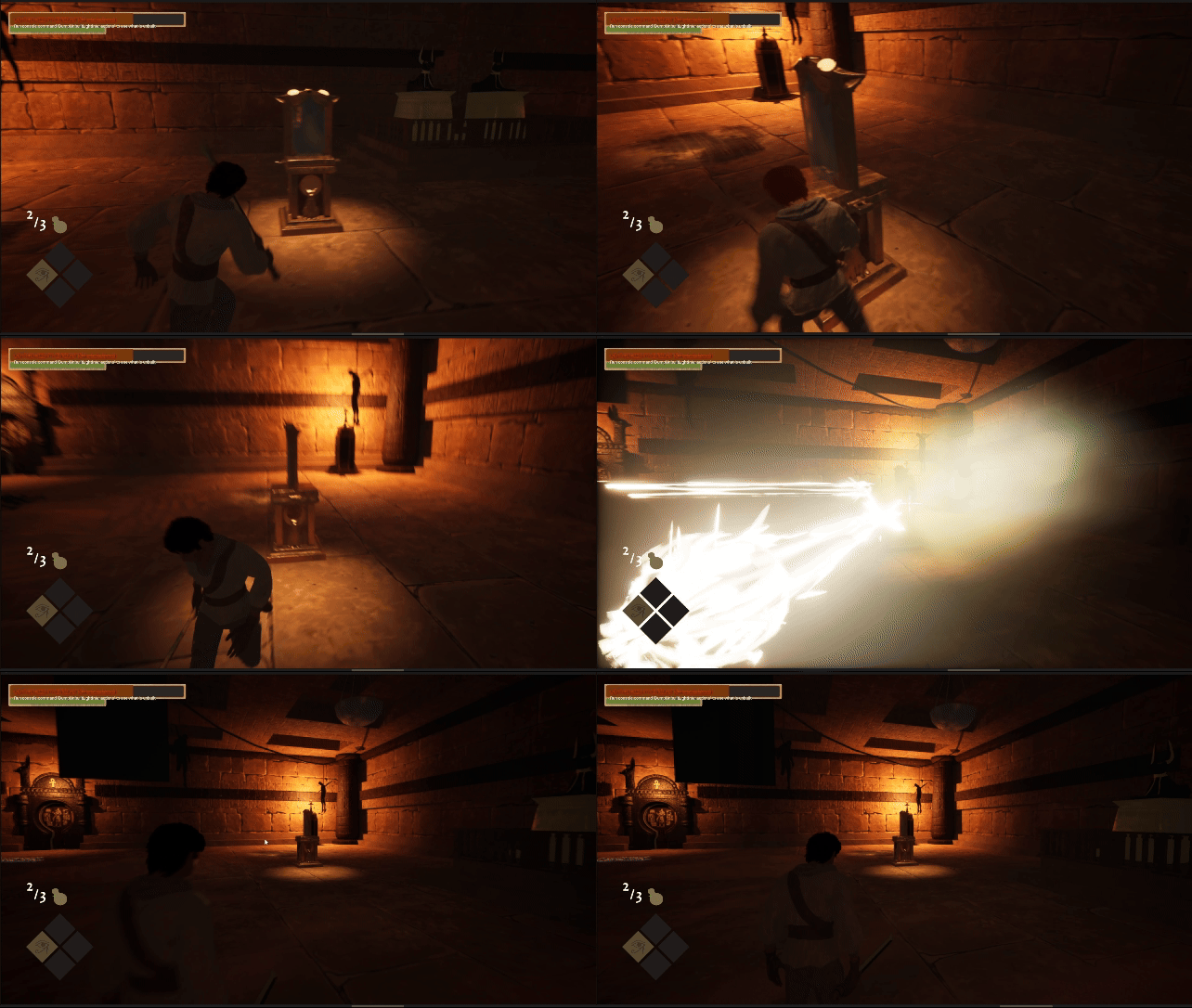
Serving as the first puzzle type the player encounters, the mirror reflection puzzles have to be the simplest. With two types of mirrors: push-able and turn-able. It teaches the player that they might need to physically interact with the world in order to continue further.
Platforming Puzzles
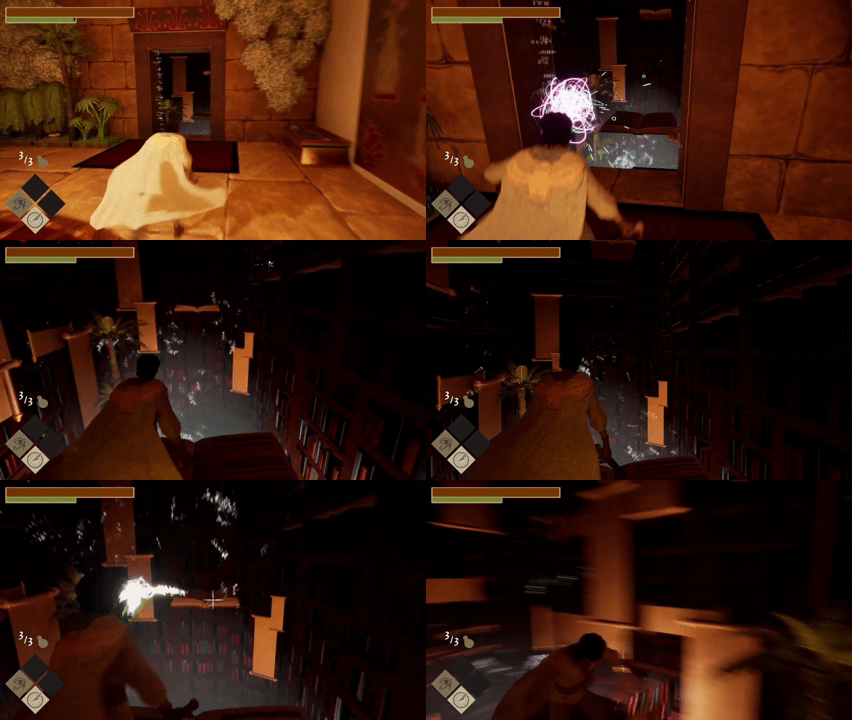
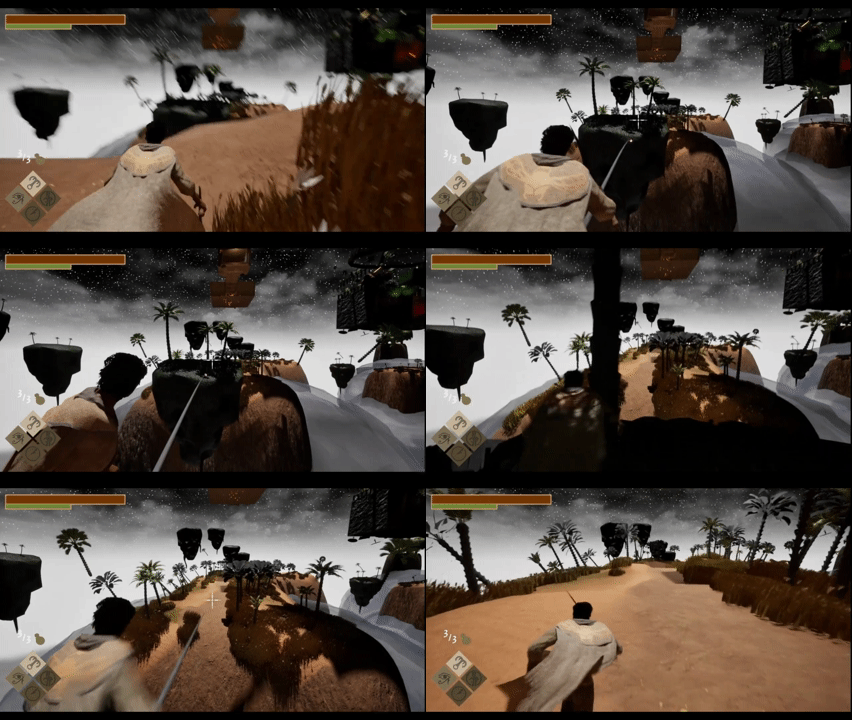
Within each level can be found the most basic of puzzles: platforming. With many types of platforms, each with their own distinct way of telling the player what they do. And increasing in difficulty as the player gains access to more abilities.
Scale Puzzles
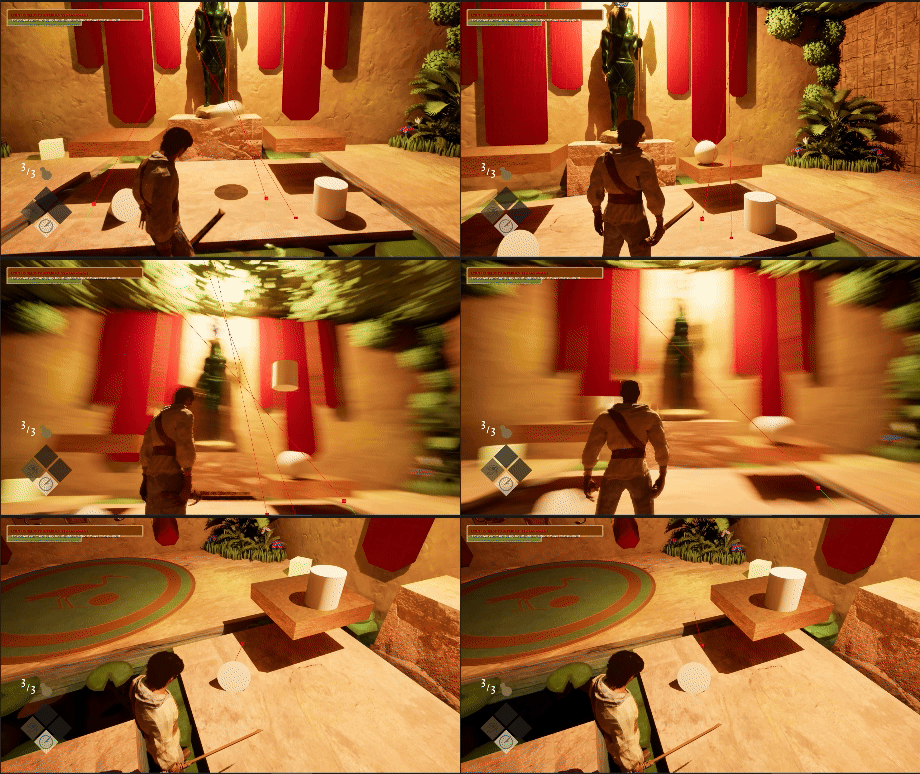
Serving as the second type of puzzle the player encounters, the scale serves a more thematic approach. With this level taking place after the heart weighing trial, I thought it would fit if the levels all dealt with scales as well.
Force Field Puzzles
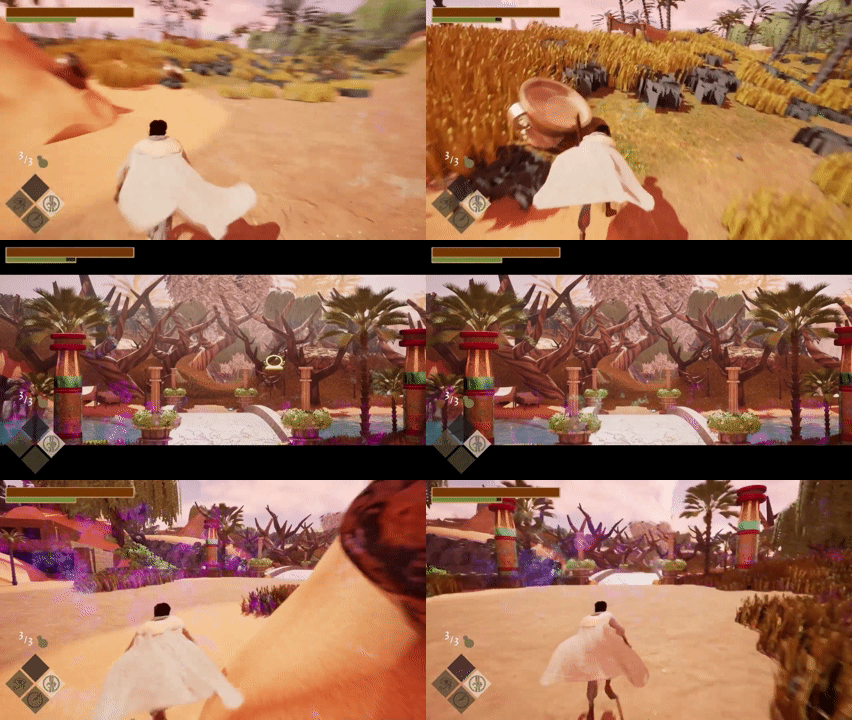
Within the third level, the force field puzzles can be found. With this puzzle serving as a scavenger hunt in this larger map. The player has to find objects with the same symbols as displayed on the force field and destroy them. This forces the player to explore this larger level, leading them to encounter more enemies.
Enemy Types
When designing the three enemies I was tasked with creating, I wanted to make their attacks extremely different. From close-quarters attacks, long range, and wide sweeping area-of-effect attacks. Forcing the player to adapt once they see a certain type of enemy.
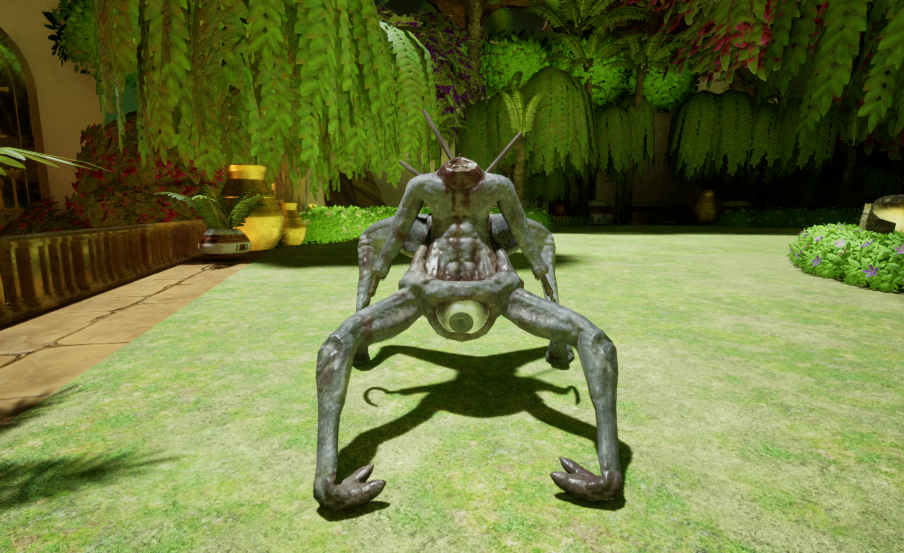
The Hooked Horror:
A close range enemy who charges the player and forces them to block their dual attacks. Best dealt with ranged attacks.
Roaming Enemies
The roaming enemies are the most common type of enemy found within Revenant. Being able to roam randomly or along a path to best fit the area they find themselves in. They walk around until they have sight of the player; at this point they attack.
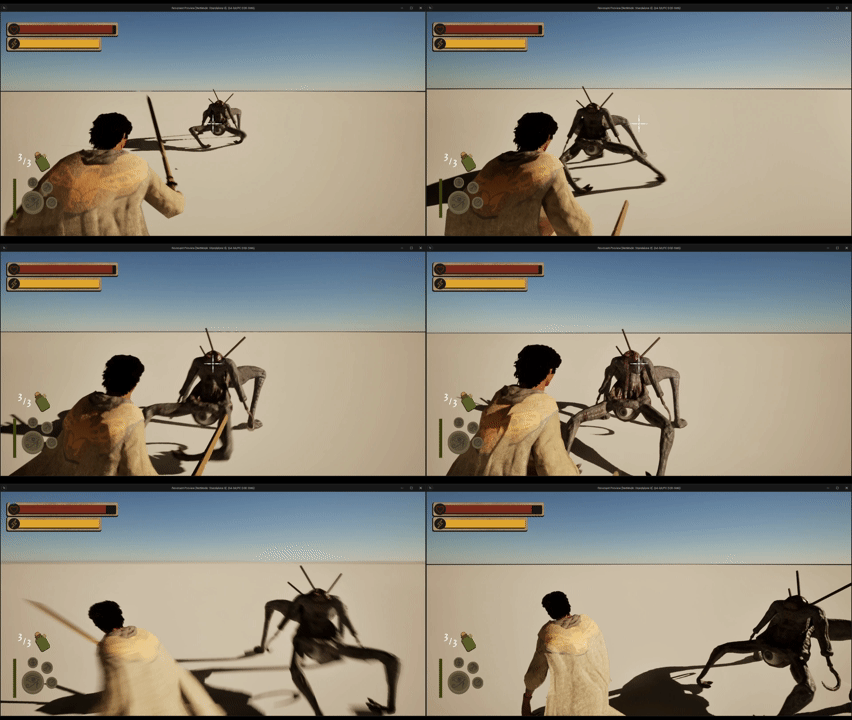
Scripted enemies only spawn in and attack when triggered too. Mostly to serve as an obstacle to the player and force them to use an ability.
Scripted Enemies
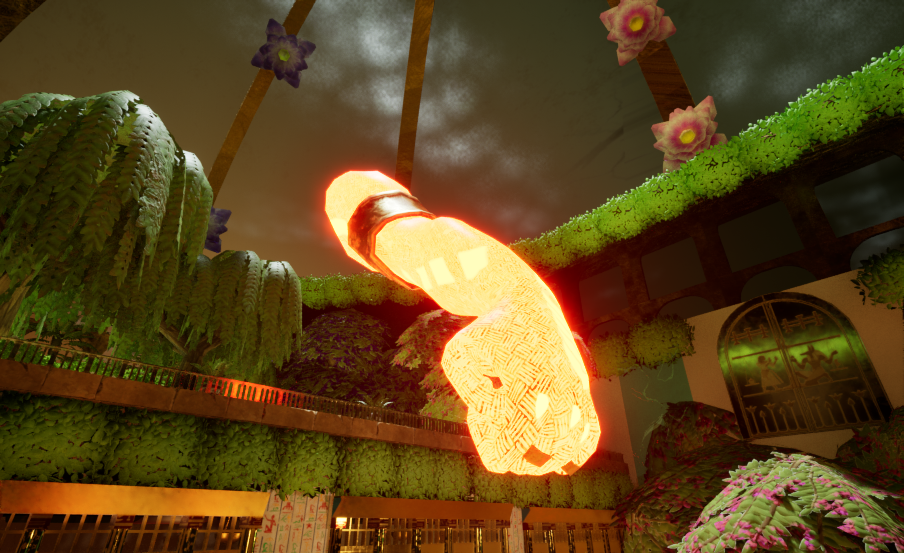
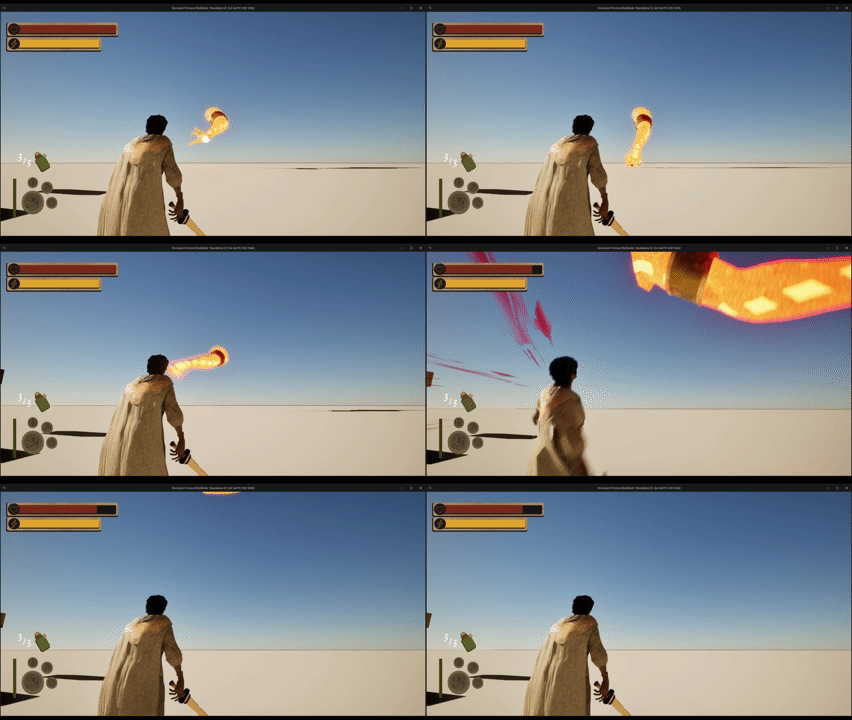
Arm of Ra:
An force of destruction dealt by hitting its weak point or running away.
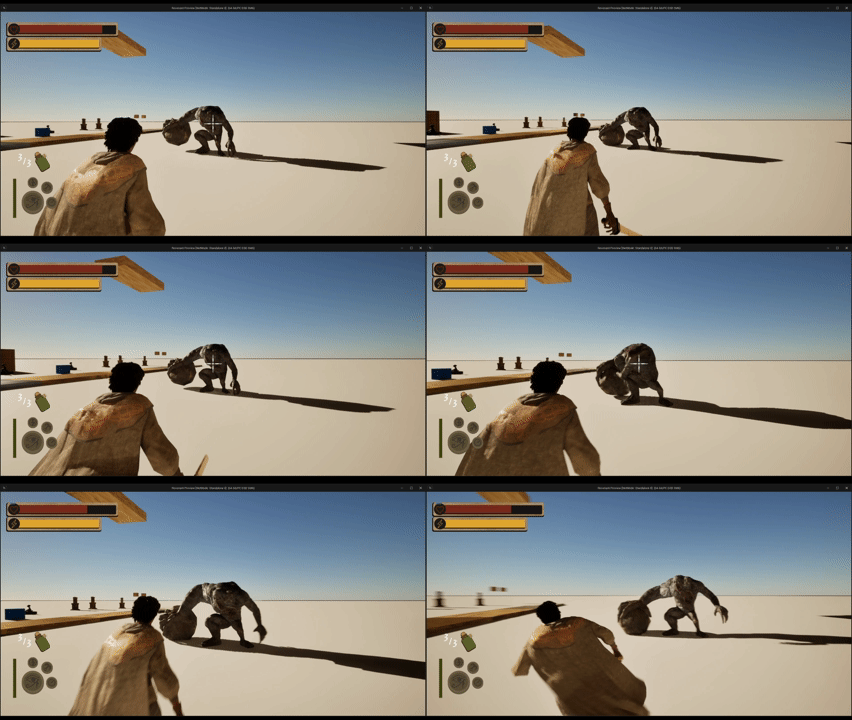
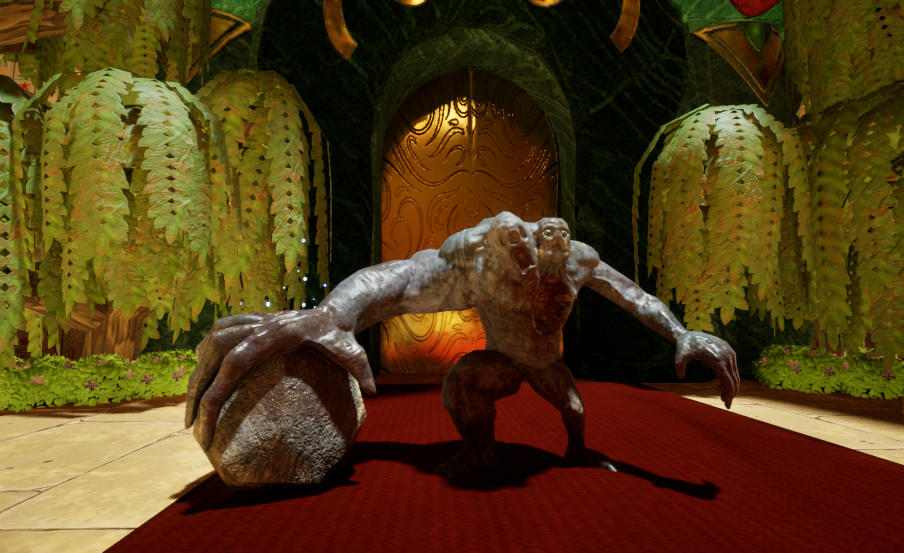
The Rock Thrower:
A beefy long range enemy, with the downside of not being very accurate. Best dealt by taking advantage of its long reload times up close.
Game and UI systems
VN (Visual Novel) dialogue box system
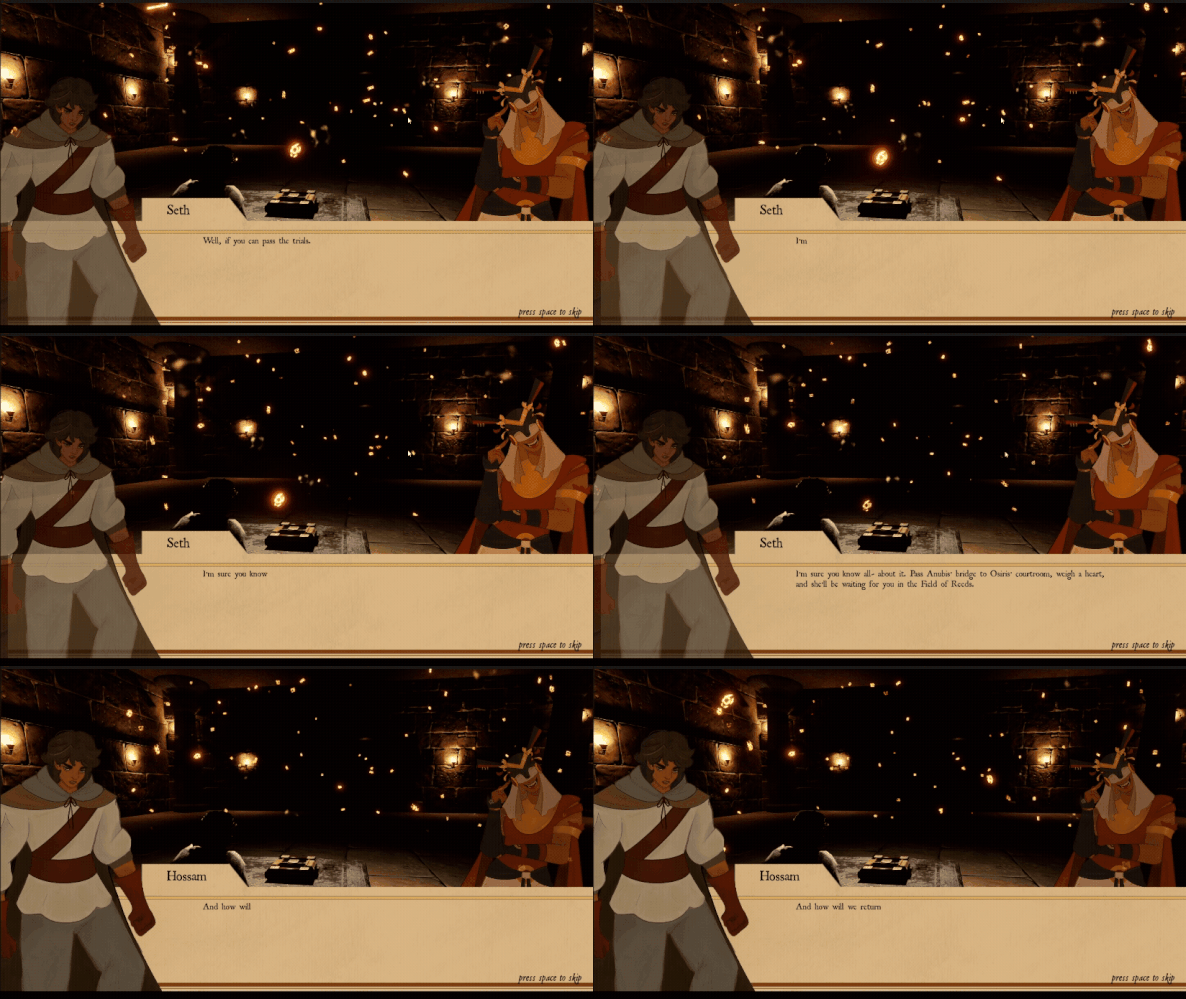
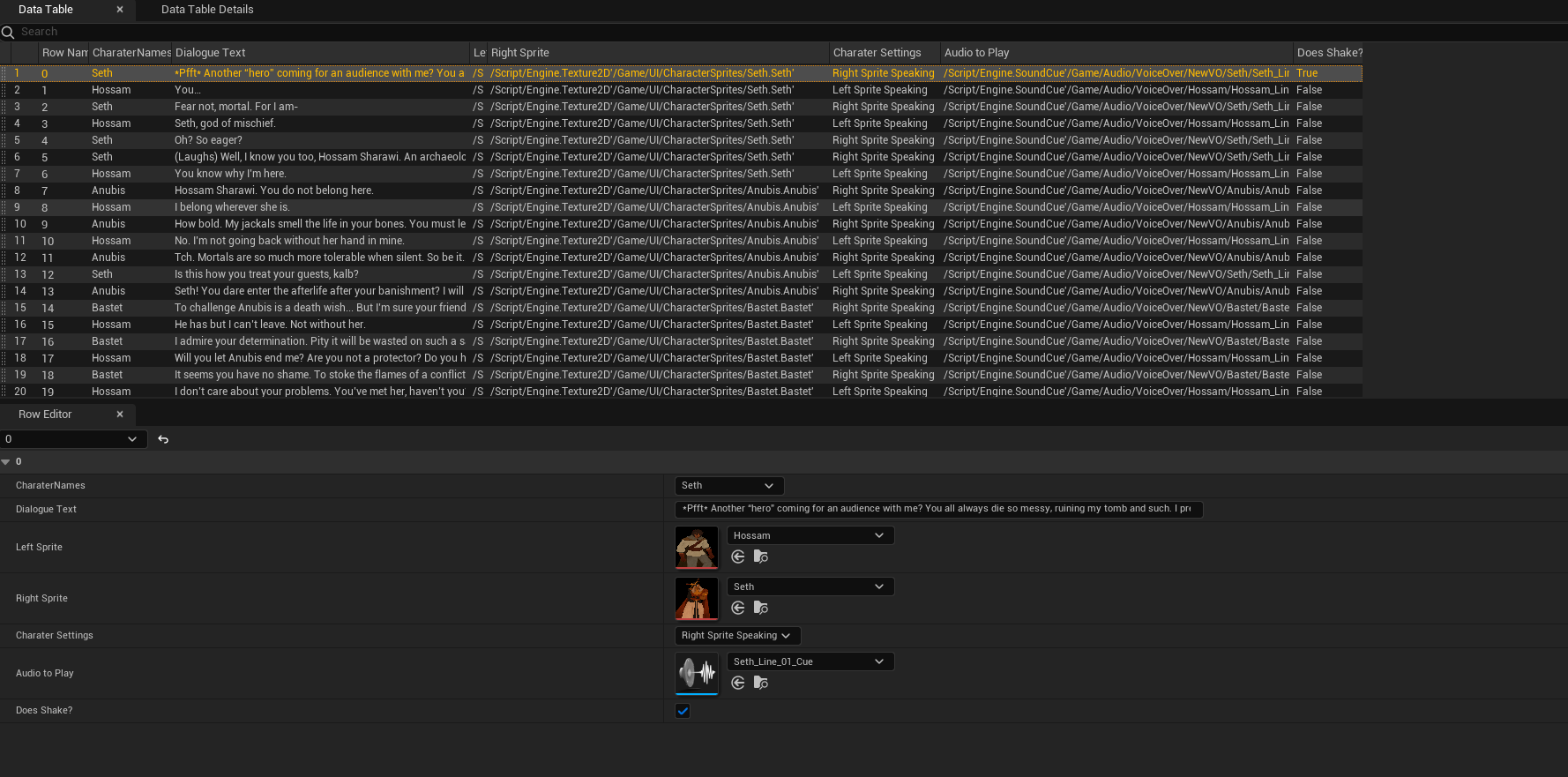
Our team wanted to utilize a mix of VN dialogue boxes and in game Voice over systems to push the narrative forward. I choose to pick up both of these tasks because I had my fair share of UI implementation under my belt as well. For the base of the VN system I created a struct which included Enumerations for Character names, Sprite settings, Text, Audio, and animation settings. Which was then used in a data table where I copied the script into and updated the information needed for each and every line. After creating the base for the system I created a widget blueprint that took in the information of each data table line and updated its relevant variables for a smooth reading of each line. To give the characters more emotion I also created simple animations for each sprite.
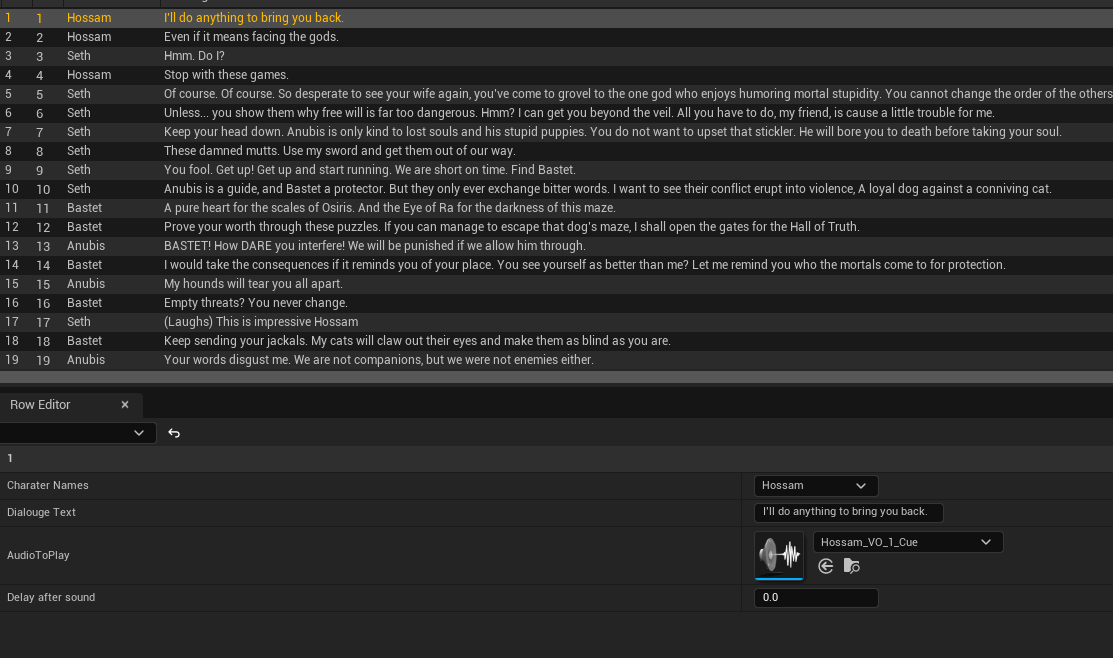
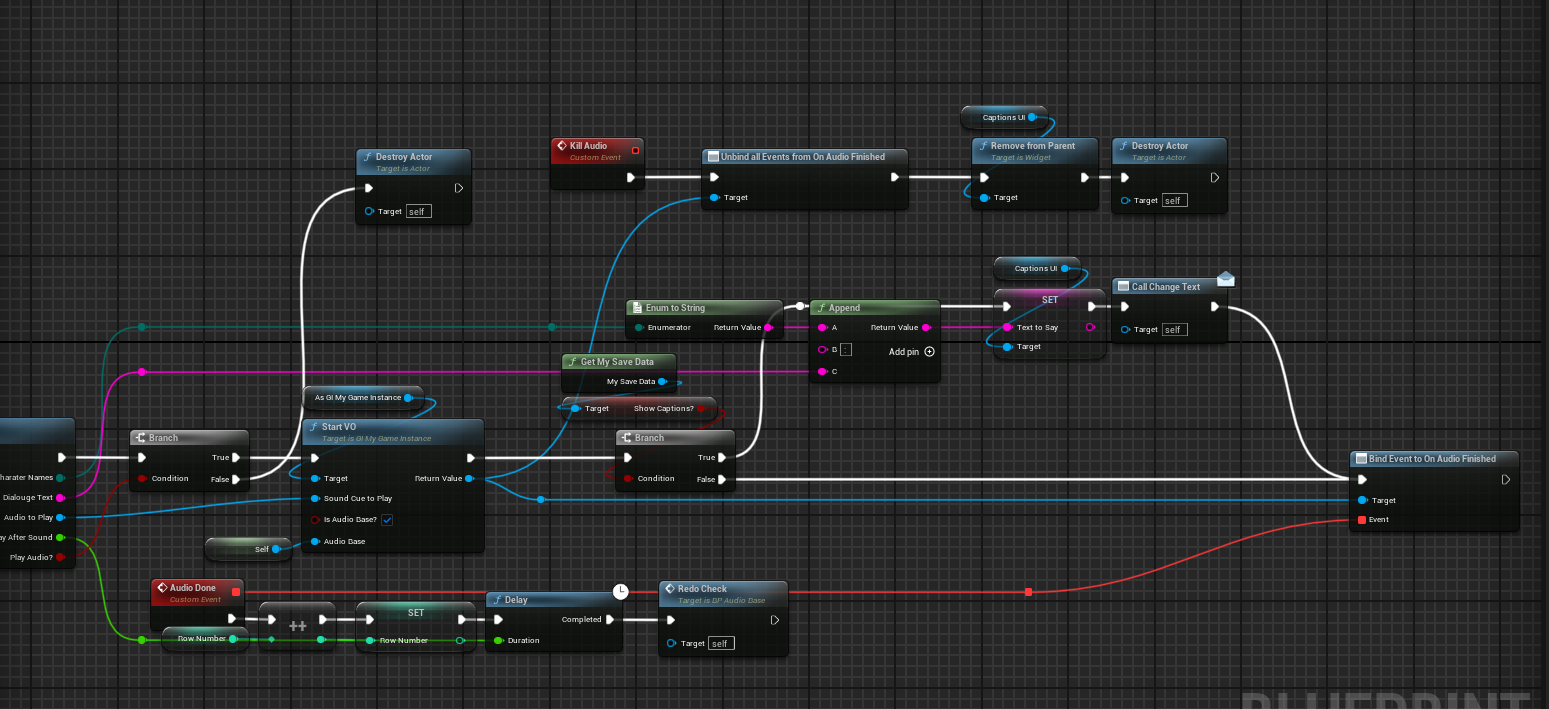
As mentioned in the previous section our team wanted to implement voice overs to play during gameplay without stopping the game with a dialogue box pop-up. Which used a more simple version of the VN system having a struct, and data table only having the name of the character speaking, the text that was spoken, a delay, and the audio file itself. When activated the VO system tells the game instance to start playing the voice over in 2D space and stopping at the set stop point that is given to the system.
Voice-over system
Player HUD
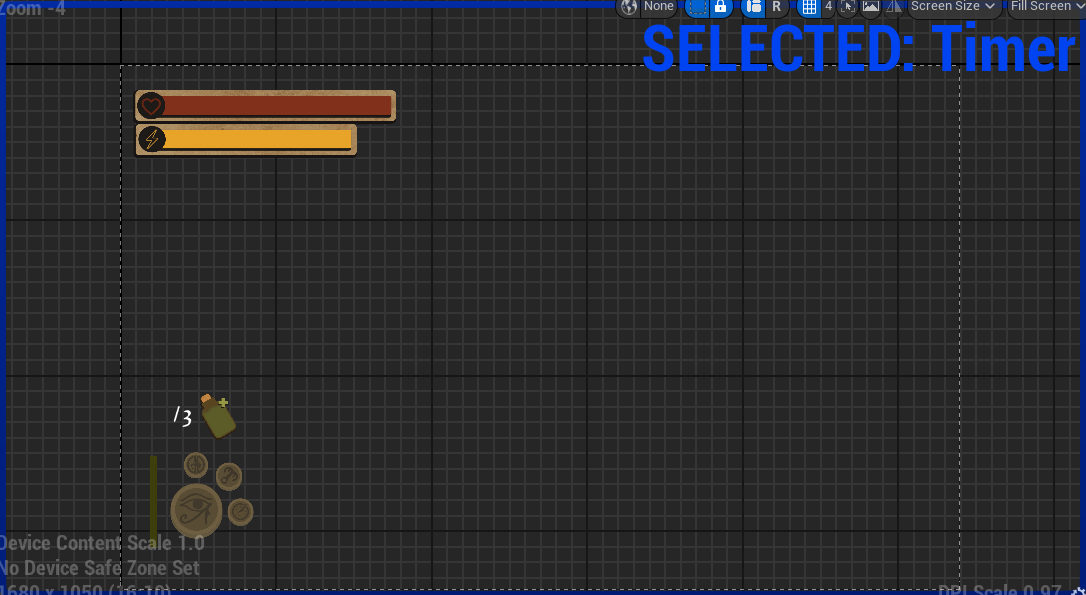
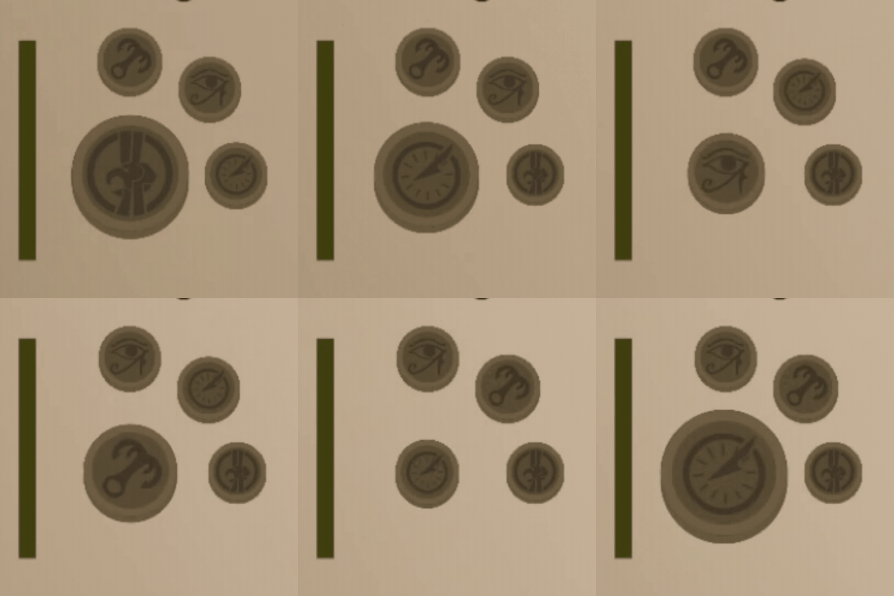
As any game needs we needed a HUD for the player to find their important stats. I was tasked with creating the systems that updated the HUD’s info. The health and stamina bar are fairly simple keeping track of the related stat and running them through a FInterp to node to give them a smooth feel. As for the ability markers, I wanted to do something more fun instead of a simple change of a sprite. So I made a system that keeps the Vector 2D location of each icon on the widget and swaps them around based on which ability is currently selected to be used.
Extra polish
Procedural animations
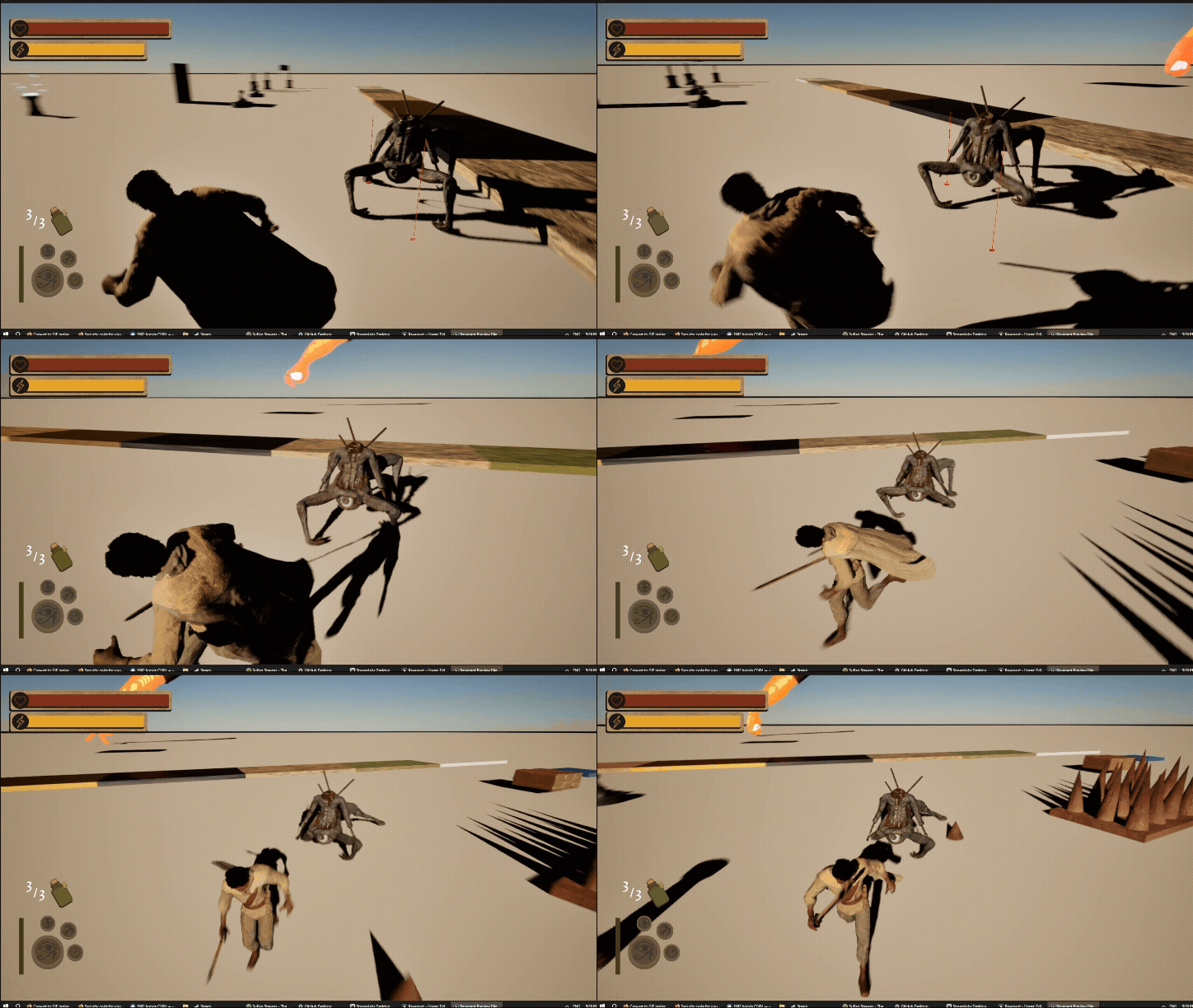
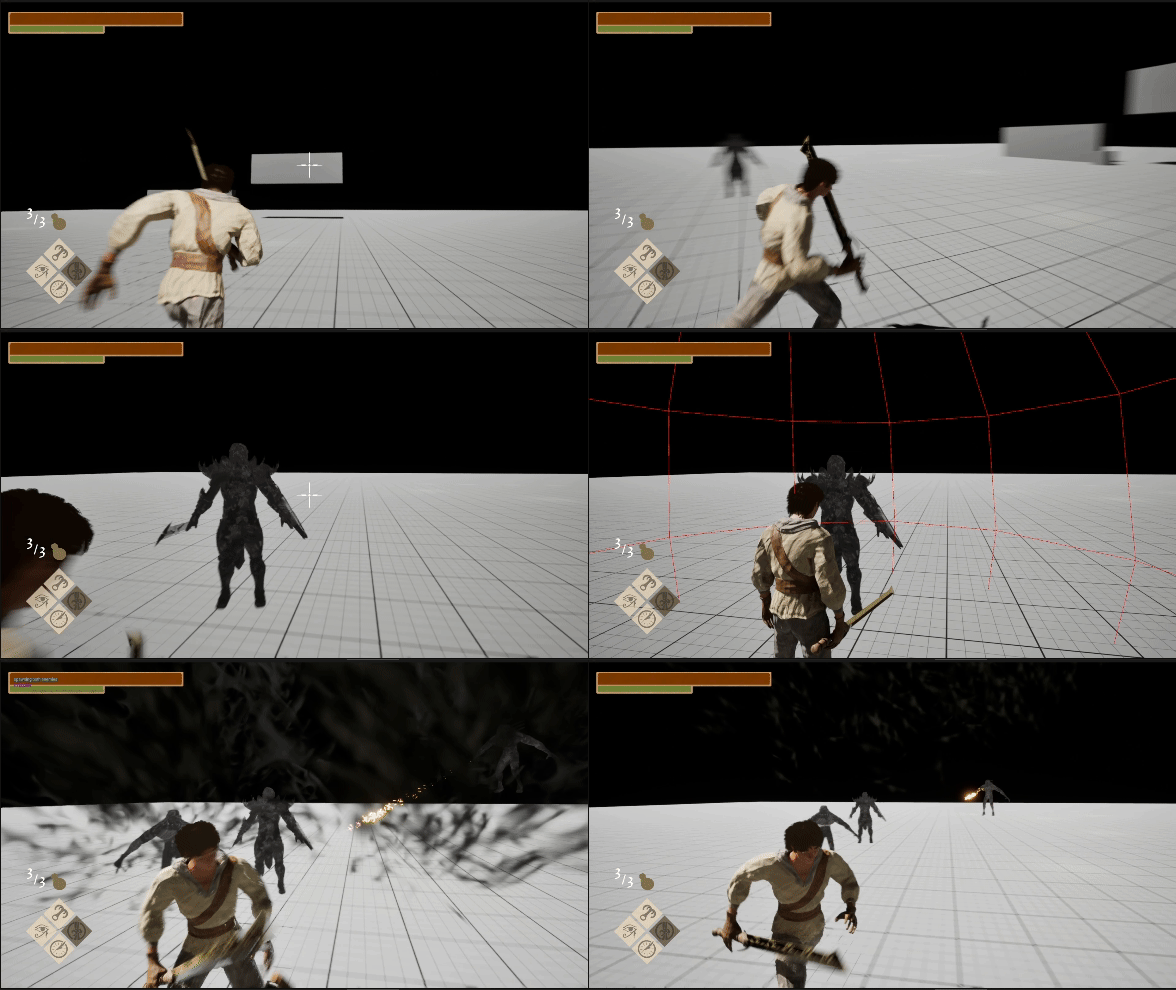
Proving complicated to hand animate I suggested to use procedural animation for our 4 legged enemy, which allows for more fluid and creepy movement. Using a combination of Control rigs for its legs and eye and an alternating ray-cast for its feet position I was able to create a optimized procedural walk cycle for our creepy crawly, in addition to its eye tracking the player makes this enemy a memorable one.
Situational animations
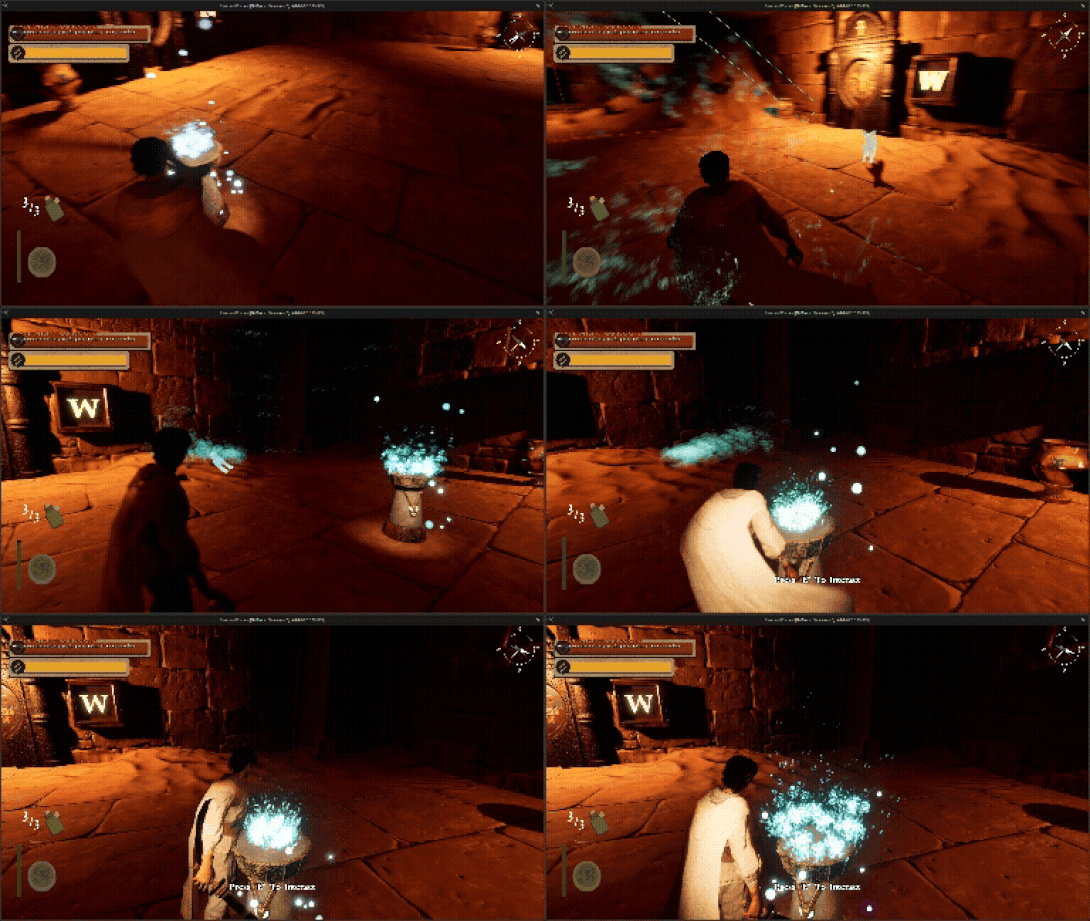
Healing fires are scattered around the levels in Revenant, but sometimes a player would get stuck in a healing animation when being chased by enemies. Which is why I implemented logic that checks if their are enemies near the player and players a shorter animation if there are. I also included a way to exit any of the animations early if the player still thinks its too long.
-
![]()
Player Healing Animations
-
![]()
Dynamic Head movement
-
![]()
4 Legged Procedural Animation
-
![]()
Dialogue Panel
-
![]()
In-game Cutscenes
-
![]()
Grapple Abiltiy
-
![]()
Laser Abiltiy
-
![]()
Freeze Ability
-
![]()
Shockwave Abiltiy